Introduction to Triggers
Triggers give you the ability to set an action that will occur on a specified condition for a real-time data stream.
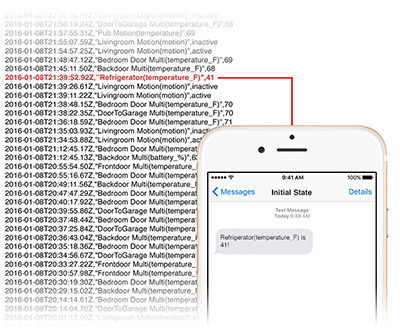
For example, if the Refrigerator(temperature_F) > 42, send a text message alert. Triggers are processed server-side, in real-time for streaming data. Current supported actions for triggers are email and SMS alerts. Current supported conditional operators are >, >=, <, <=, =, matches value, increases by, decreases by, enters location, and exits location.
Recipient phone numbers and email addresses must be verified before alerts can be sent to those destinations. The verification process will be initiated the first time a new email address/phone number is used.
Use Cases
- Send a SMS alert if temperature gets too warm inside a refrigerator.
- Send an email if a process exits.
- Send a SMS alert if the number of active GPUs decreases.
- Send a SMS alert when my GPS tracker enters within 1 km of a location (geofence example).
Custom Message Templates
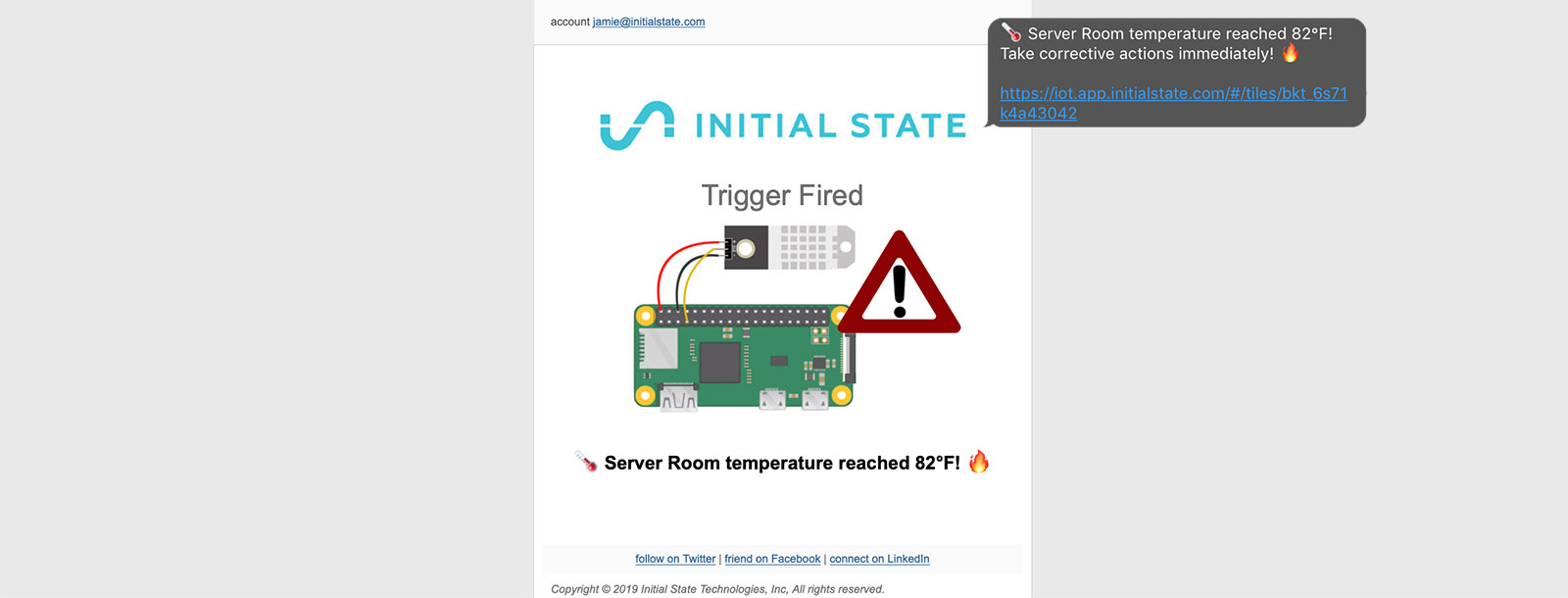
Email and SMS messages can be customized with images, links, instructions, emojis, and more. Detailed information on setting custom message templates can be found here.
Conditional Operators
| Method | Description | Example |
|---|---|---|
|
> |
Greater Than Number |
myNum > 3.14 |
|
≥ |
Greater Than or Equal To |
myNum ≥ 9 |
|
< |
Less Than Number |
myNum < 1000 |
|
≤ |
Less Than or Equal To |
myNum ≤ 0.3 |
|
= |
Equal to Number or String |
myString = Hello |
|
match |
Partial Match of a String *Advanced: Regular Expression Match |
myString match error myString match ^error(.*)GPU |
|
enters |
Enters Latitude/Longitude Geofence |
MyLocation enters 0.5 km of 36.154749,-86.7867043 |
|
exits |
Exits Latitude/Longitude Geofence |
MyLocation exits 2 km of 36.154749,-86.7867043 |
|
increases by |
Increases by Number |
myNum increases by 1.0 |
|
decreases by |
Decreases by Number |
myNum decreases by 2 |
SMS alerts are only available in the USA.