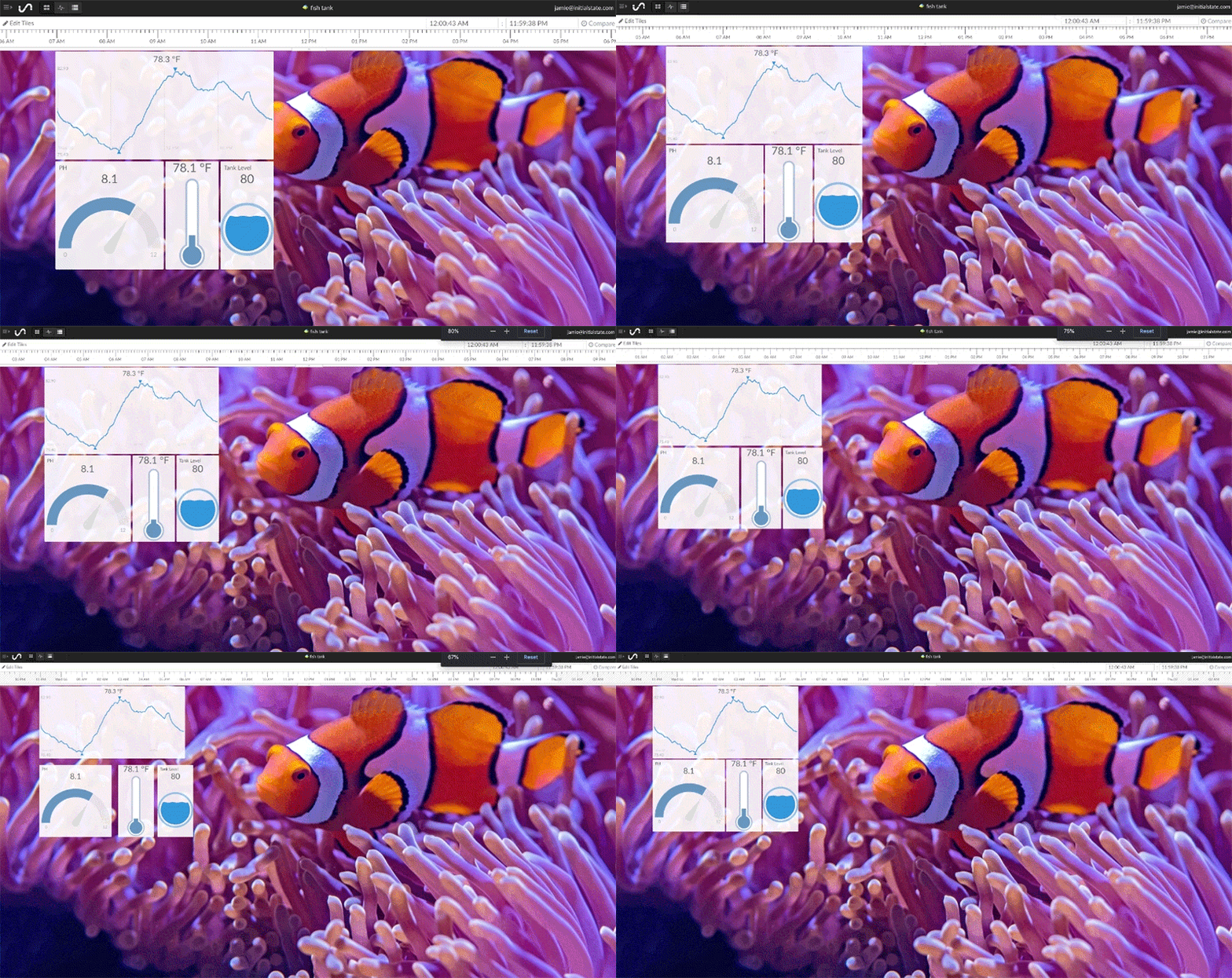
Dashboard Zoom In and Out

You can zoom in and out of your Tiles dashboard using your web browser's zoom function.
View -> Zoom In
View -> Zoom Out
Shortcut keys:
Zoom In: Ctrl+ (PC), ⌘+ (Mac)
Zoom Out: Ctrl- (PC), ⌘- (Mac)
You can zoom in and out of your Tiles dashboard using your web browser's zoom function.
View -> Zoom In
View -> Zoom Out
Shortcut keys:
Zoom In: Ctrl+ (PC), ⌘+ (Mac)
Zoom Out: Ctrl- (PC), ⌘- (Mac)