Hide the Timeline
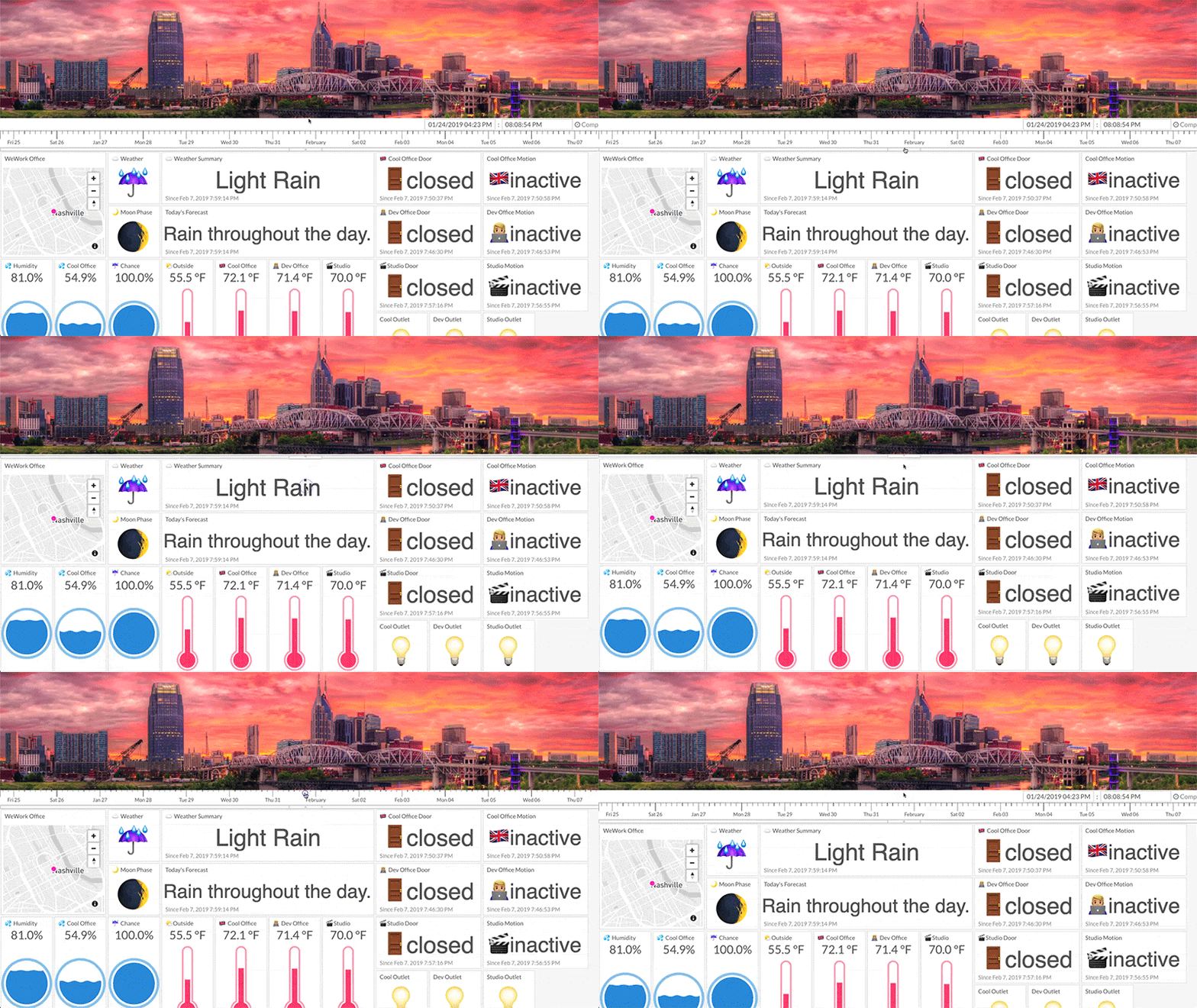
The timeline can be hidden by clicking on the narrow button in the center area between the timeline and the individual tiles. Clicking this button will show a hidden timeline. This feature can be used to create a better full-screen view of a dashboard as may be desired when displaying Tiles on a television or monitor.
The state of the timeline, hidden/shown, will be automatically saved.