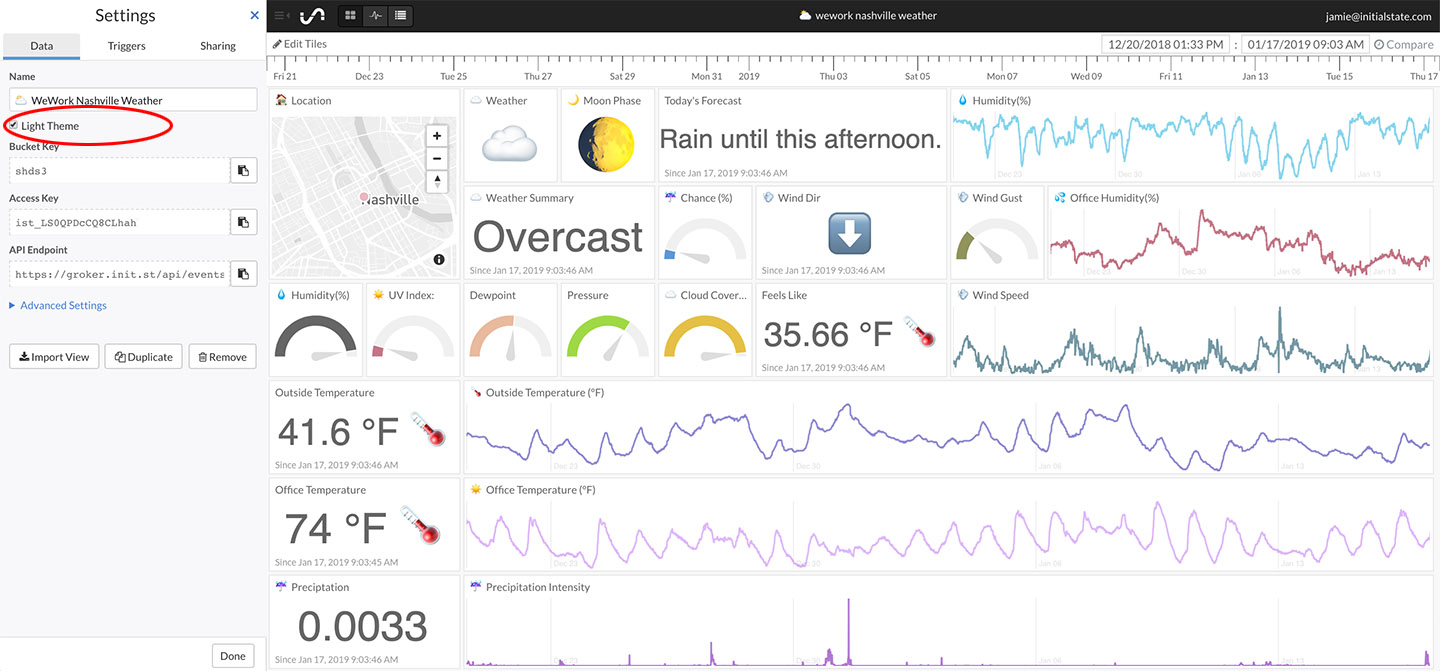
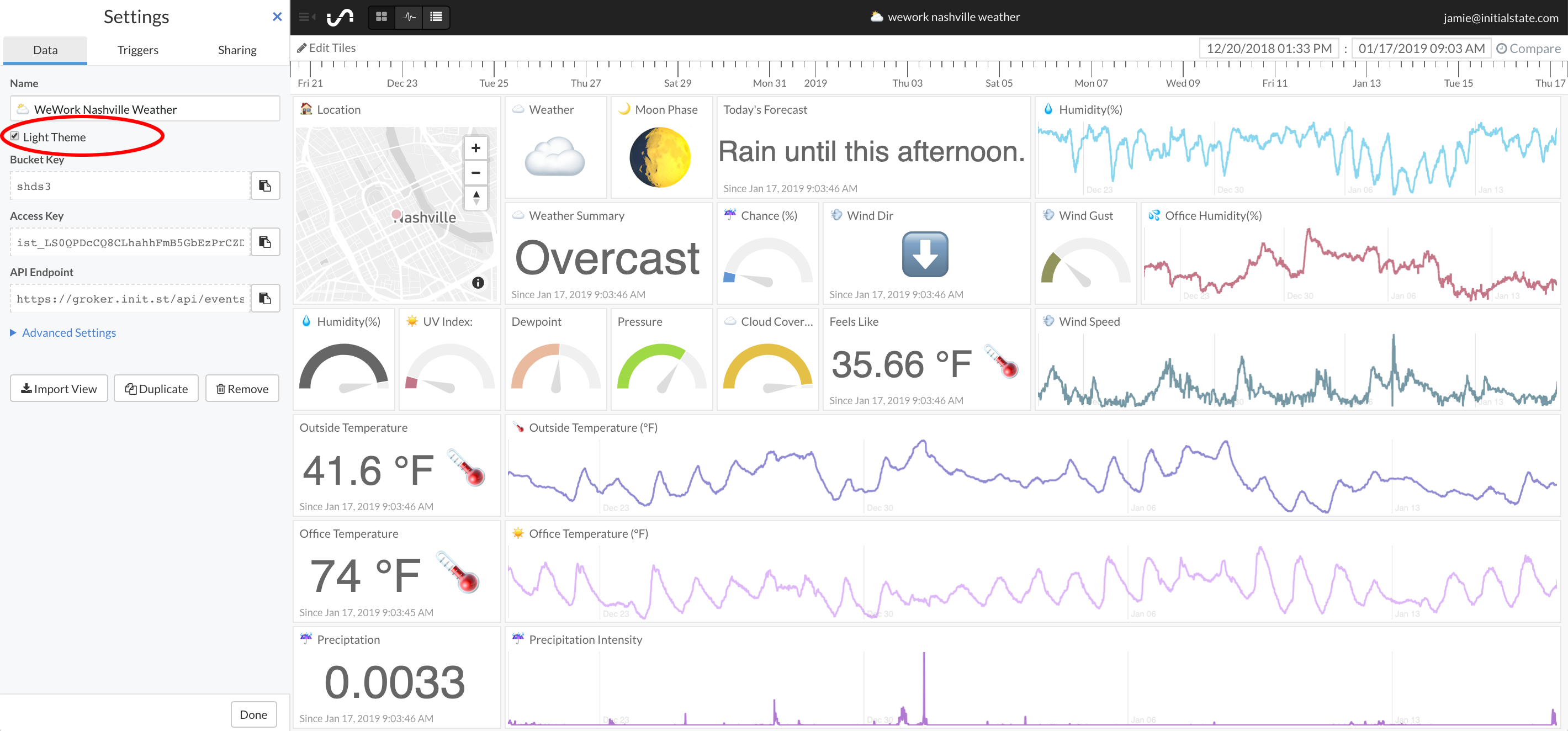
Switch Between Dark and Light Themes

To switch between Tiles' dark and light theme:
- Click the "settings" link underneath the bucket name on the bucket shelf.
- Under the "Data" tab, check the "Light Theme" checkbox to use the light theme. Uncheck to use the dark theme.
- Click the "Done" button at the bottom to apply changes.