Live Cryptocurrency Monitor using AWS Lambda
Build a dashboard that monitors and tracks cryptocurrency prices over time! The dashboard below is about a week's worth of data. It's interactive (be sure to scroll to the right to see everything!) and mainly focused on Ethereum. Building a real-time version of this dashboard is simple and serverless - keep reading to get started.
Project difficulty: Easy Peasy Lemon Squeezy
*Note: as AWS frequently updates their services, some steps in this tutorial may slightly differ over time
Create an Initial State account: https://app.initialstate.com/register
Create a bucket:
- Click the
 icon (Create HTTPS Bucket)
- Name your bucket whatever you want
- Check the Configure Endpoint Keys box
- Name your Bucket Key something easy like "cryptoprice"
Create an AWS account: aws.amazon.com
Create a Lambda function:
- Under AWS Services, navigate to Lambda
- Click Get Started Now
- Select Blank Function
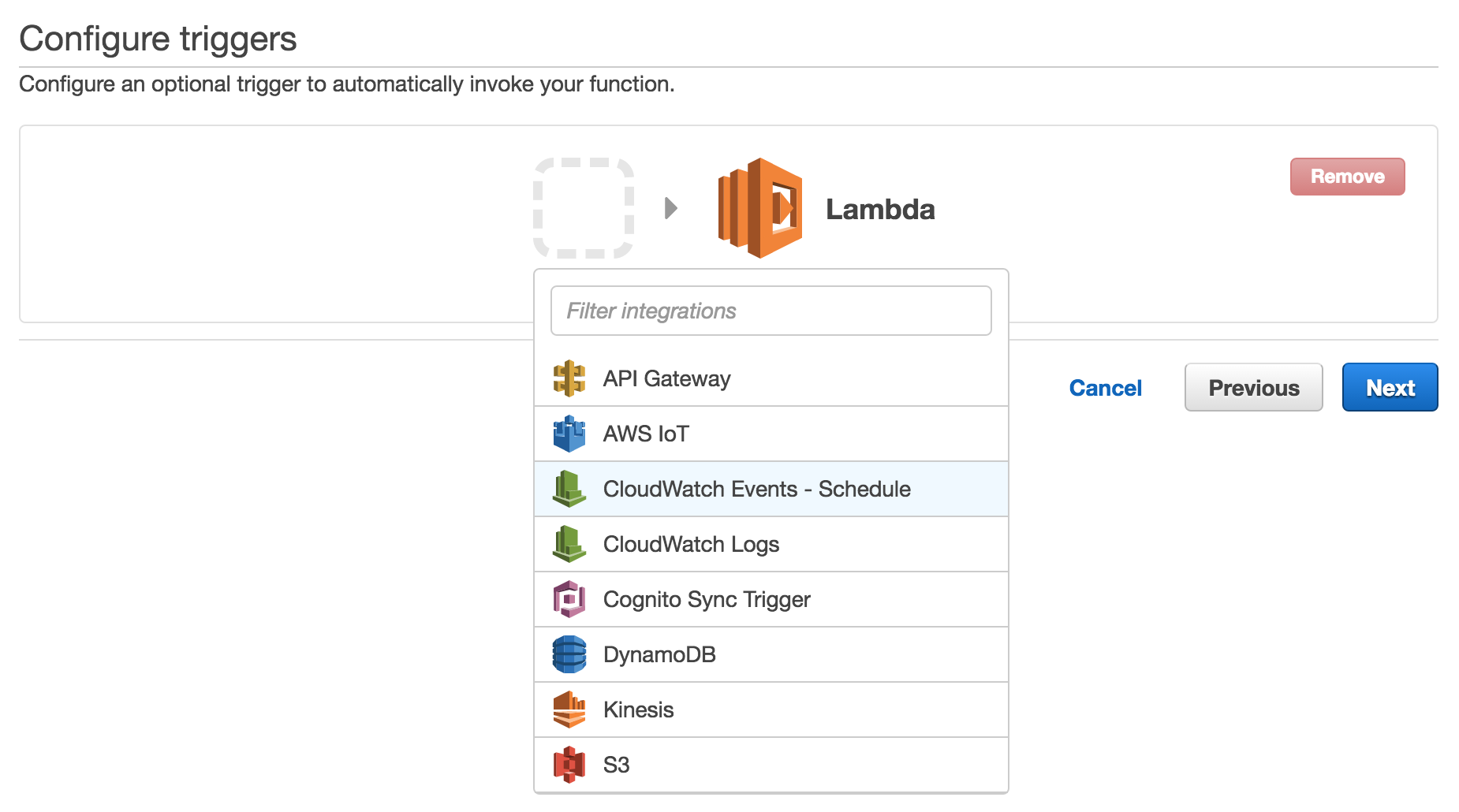
- On the Configure triggers page, click the empty, dashed box next to the Lambda logo
- Select "CloudWatch Events"
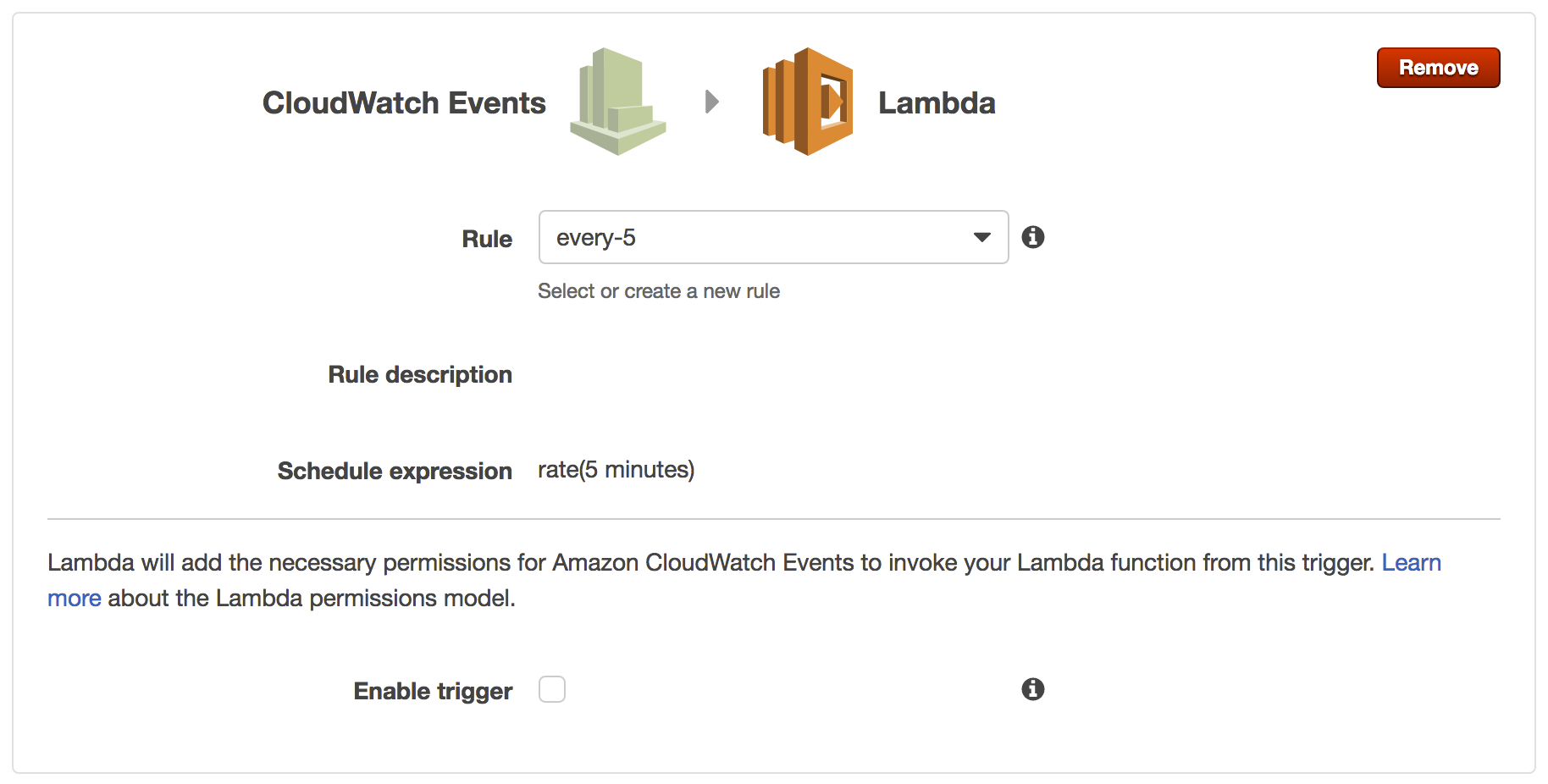
- In Rule, create a new rule named whatever you want -- I named mine "every-5" because I want this trigger to happen every 5 minutes
- In Rule description, briefly describe the rule
- For Schedule expression, type "rate(5 minutes)" or use a cron expression
- Do NOT select enable trigger; we will do that later
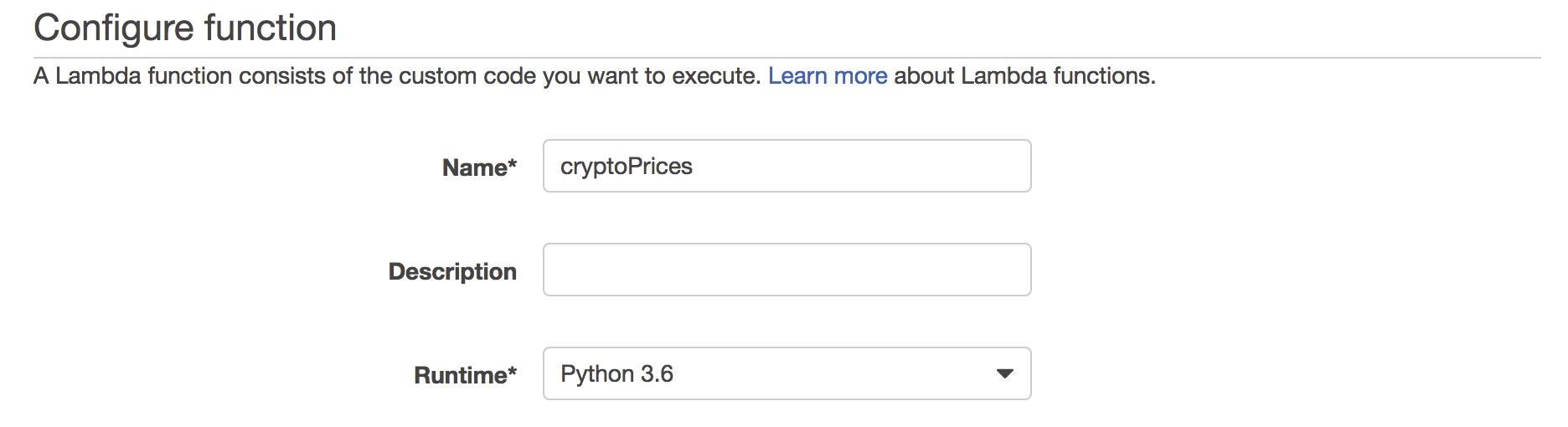
- On the Configure function page, name the function... I named mine "cryptoPrices"
- Though not necessary, feel free to write a function description
- Select Python 3.6
- Within the Lambda function code text box, paste this code
- Paste your Initial State Bucket Key and Initial State Access Key
on Lines 6 and 7 (your Initial State Bucket and Access Keys can be found within your bucket settings) - In Handler, type
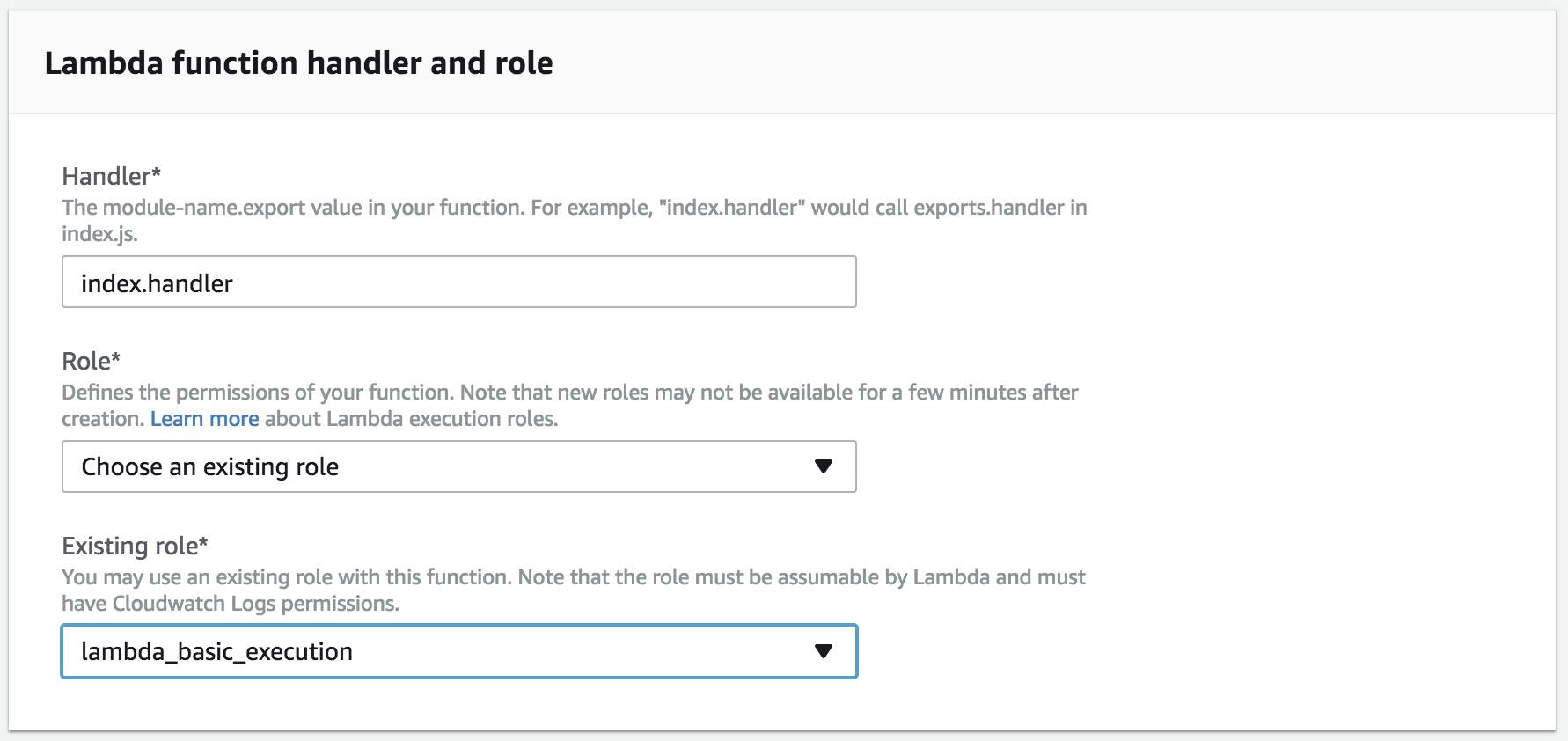
lambda_function.lambda_handler - For Role, select "Create custom role" (this will open a new tab)
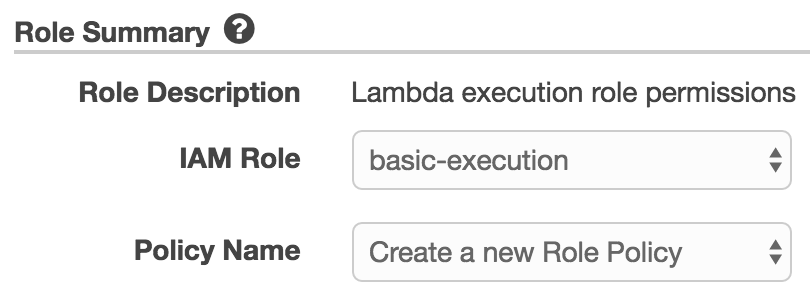
- For IAM Role, select "basic-execution"
- For Policy Name, select "Create a new Role Policy"
- Click Allow

- Now for Role, ensure "Choose an existing role" is selected
- For Existing Role, select "lambda-basic-execution"
- Leave everything else as is and click Next

- Review your work, then create your function!
- On the next page, click on **Test** in the upper right hand corner
- An Input test event box will pop up with the "Hello World" sample event template
- Leave that as is and click Save and Test
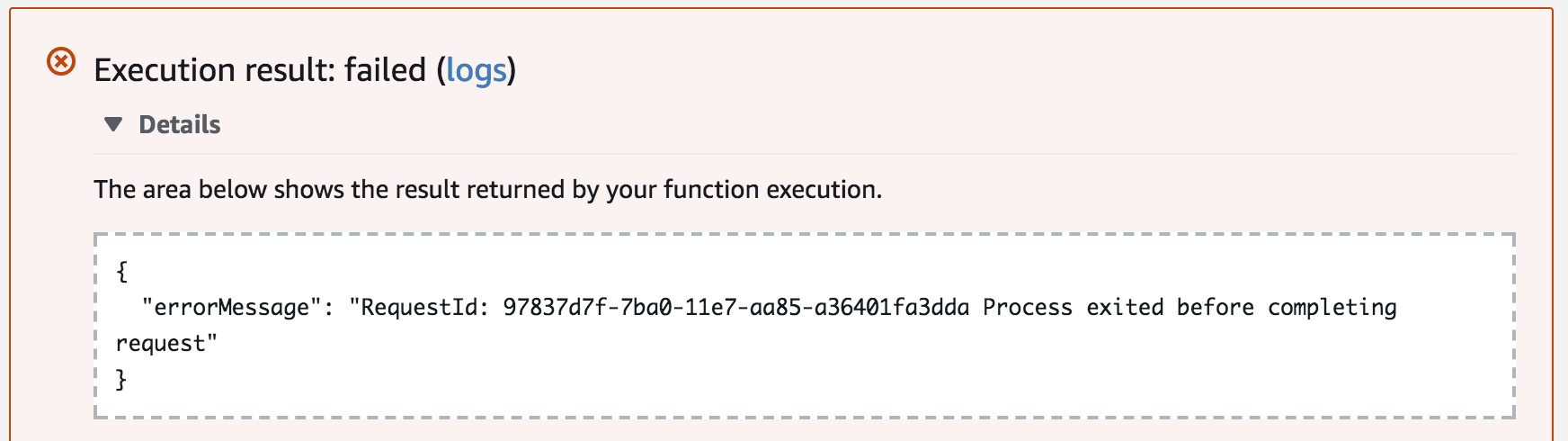
- If it says Execution result: failed it is OK. Check Initial State to see if any data came in and make sure the error was from exiting before completion. The function is working - I just added an exit to keep it from waiting forever and then failing on a timeout.
- On the Triggers tab, select Enable
- You just created a Lambda function! Cryptocurrency data will now stream to your Initial State bucket every 5 minutes.
Here's what my current Cryptocurrency dashboard looks like - it's been live since June 23:
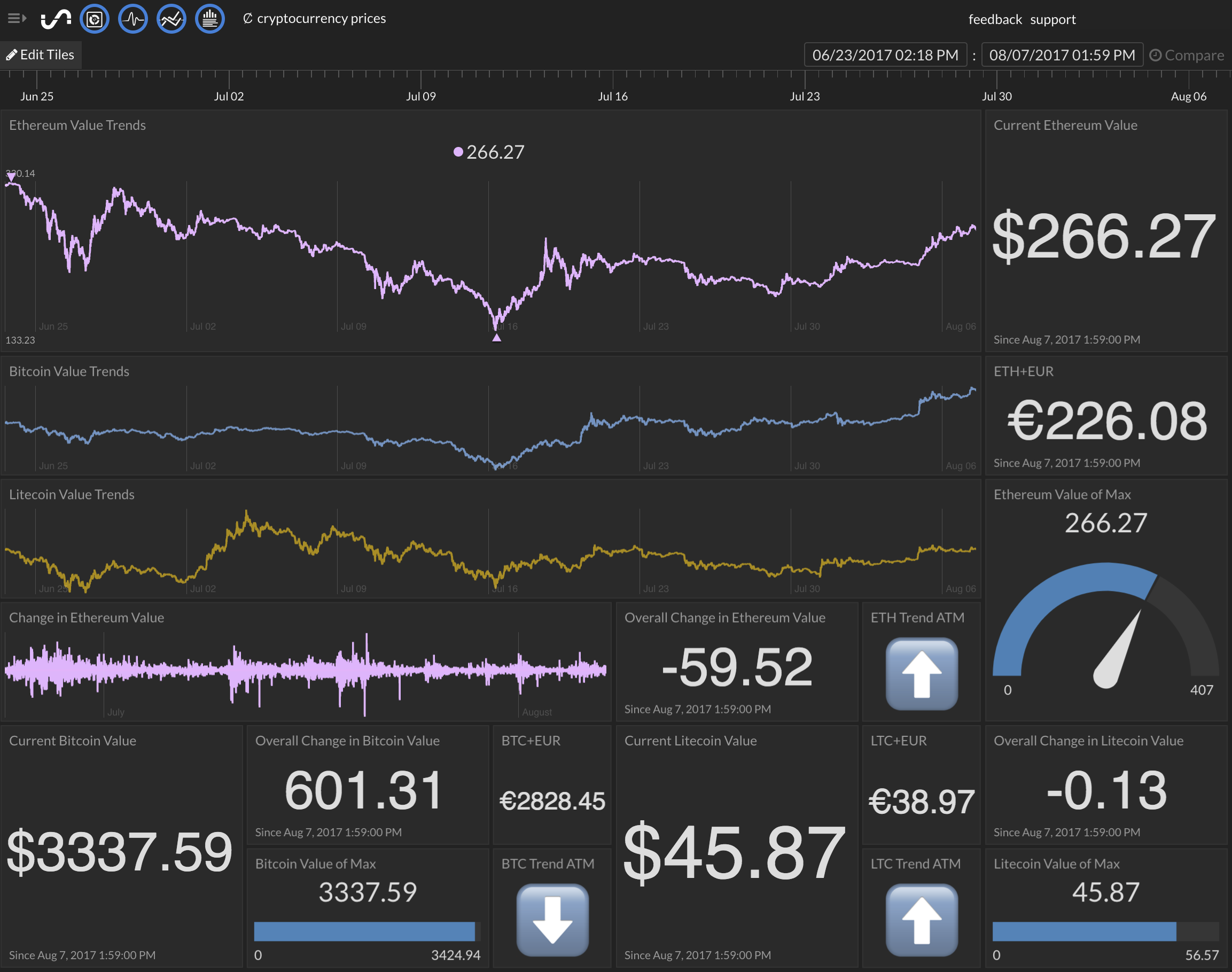
If you want to know how to display things like overall change in value or trend, check out real-time expressions and emoji support.