Export Data to CSV File
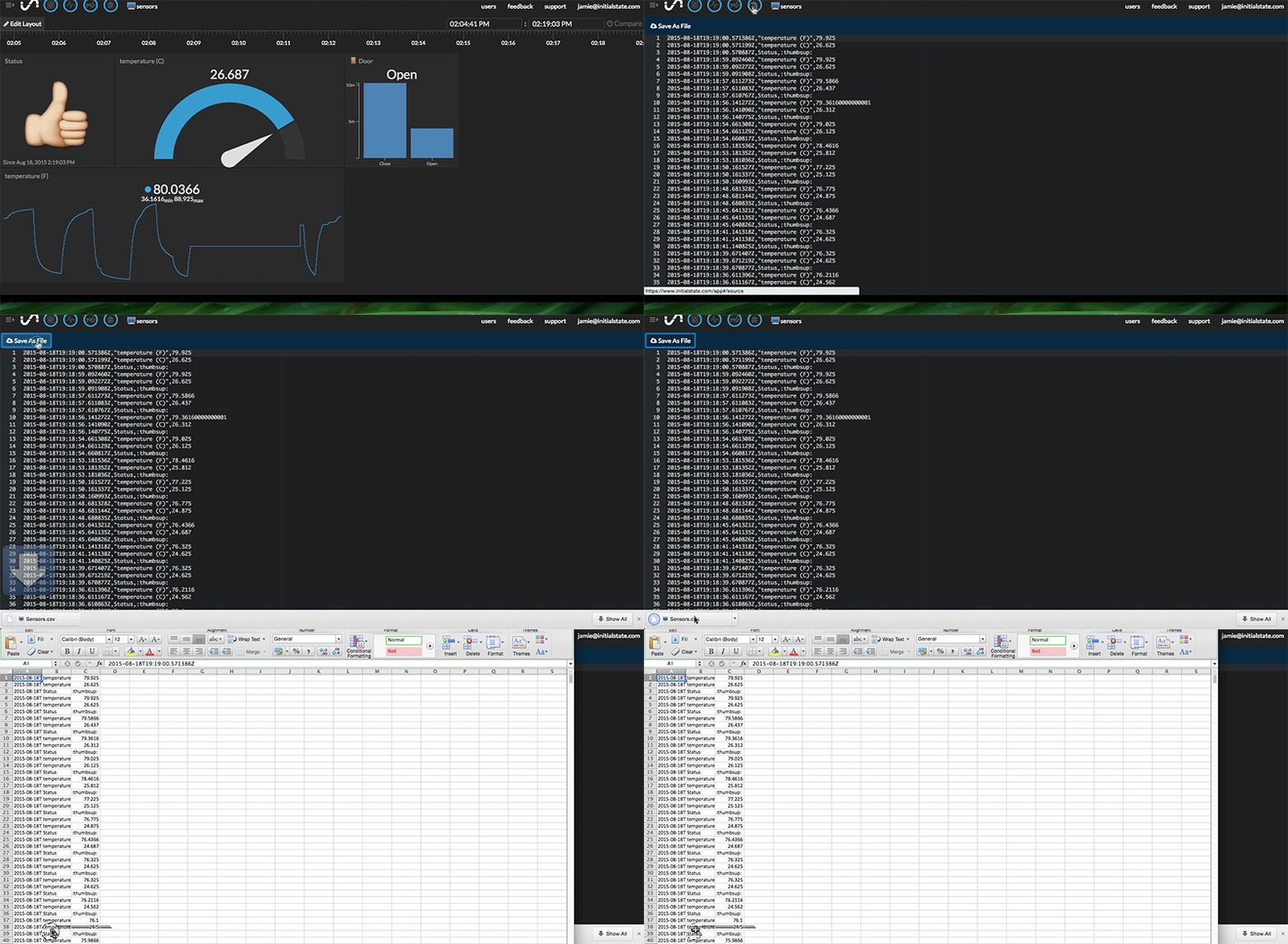
To export data to a comma-separated value (CSV) file,
- Open a data bucket,
- Click on the Source icon at the top toolbar,
- Click Save As File icon link at the top left.
The exported data can be viewed in Excel or other CSV file viewers.
Note: CSV export currently works on Chrome and Firefox