Merge Multiple Data Streams Into One
Overview
Merge the data points of multiple data streams into a single data stream. This operation is like interleaving the individual data points from each data stream together. This operation uses the timestamp of each data point to create a single, merged data stream. If there are two or more data points with the same timestamp, the leftmost specified data stream will take precedence.
Syntax
Merge two signals into one
=[signal1] | [signal2]
Merge multiple signals into one
=[signal1] | [signal2] | [signal3] | ...
Example

In the example above, two data streams, "status" and "Switch" will be merged in Waves.
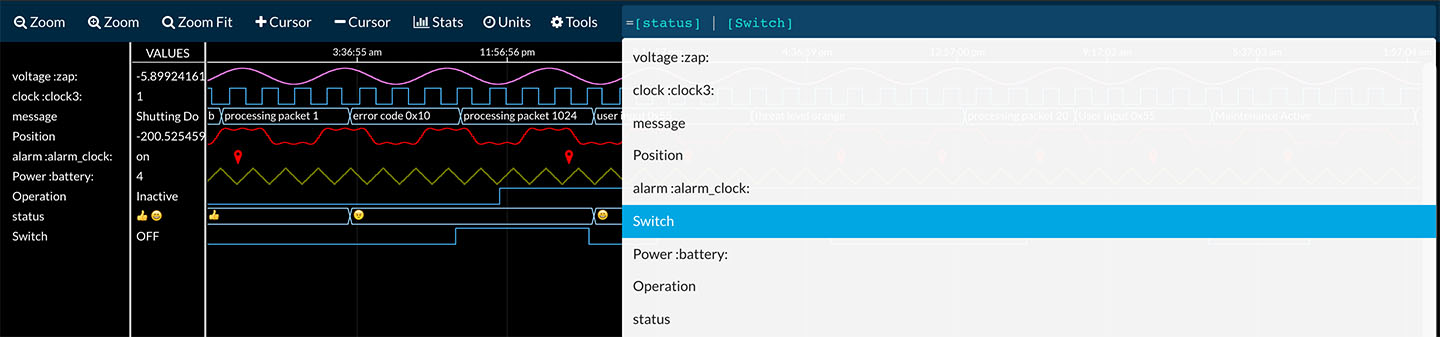
The real-time expression below is used to merge the two data streams.
=[status] | [Switch]
The "|" or "pipe" operator is used to merge the two data streams.
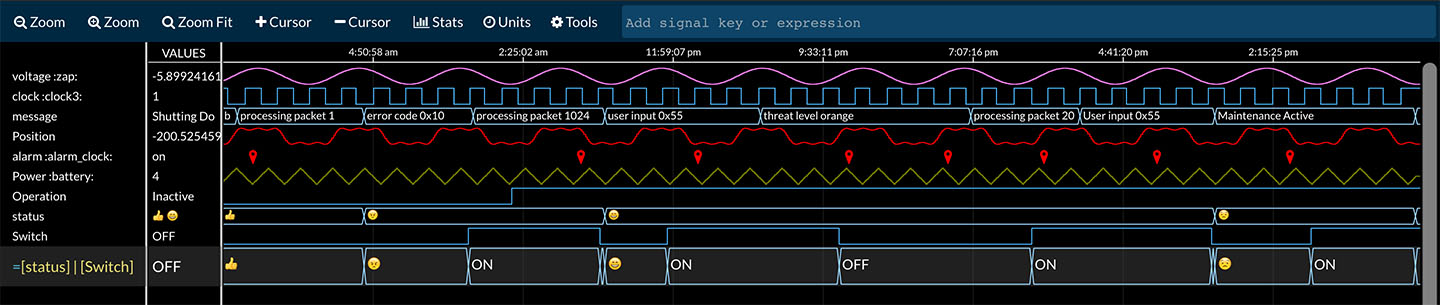
A new data stream is created at the bottom row of Waves. Notice that its values are an interleaved merge of status and Switch.
