Combine Separate Latitude & Longitude Streams
Overview
Combine (concatenate) two data streams into a single data stream. Specifically, combine latitude and longitude into a single map coordinate data stream that can be used by the Map tile.
Syntax
=[Latitude] & " , " & [Longitude]
Example

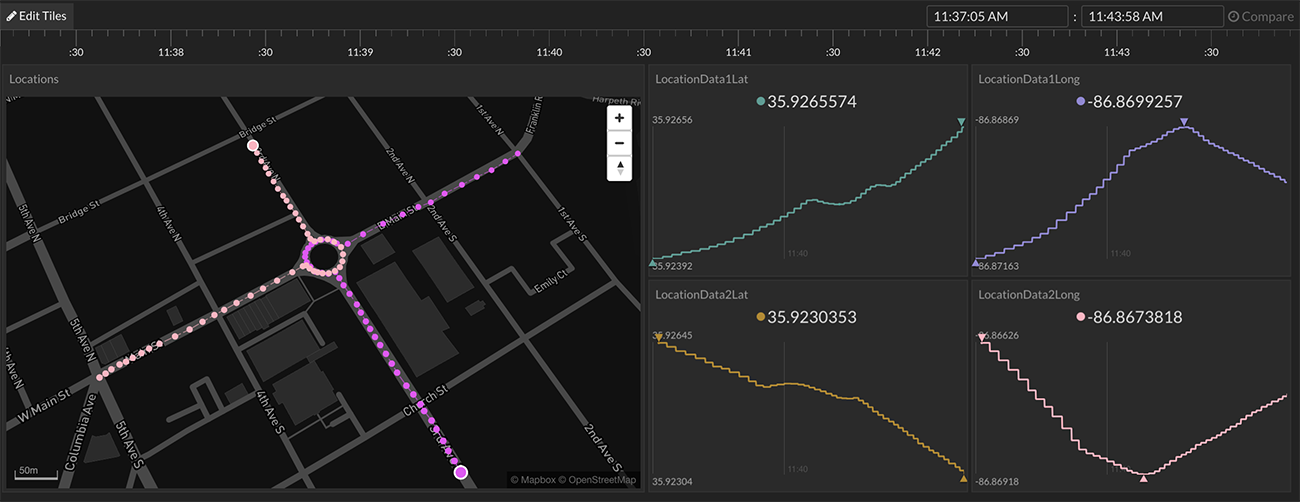
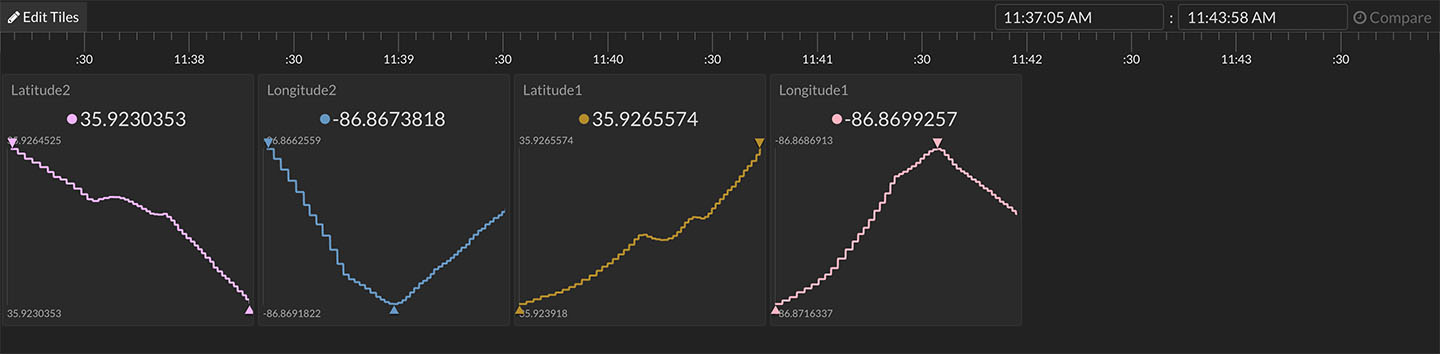
A data bucket has separate latitude and longitude data streams. Separately, these cannot be viewed in the Map tile. The Map tile requires a single data stream that includes both latitude and longitude (example data point: 35.923,-86.867).
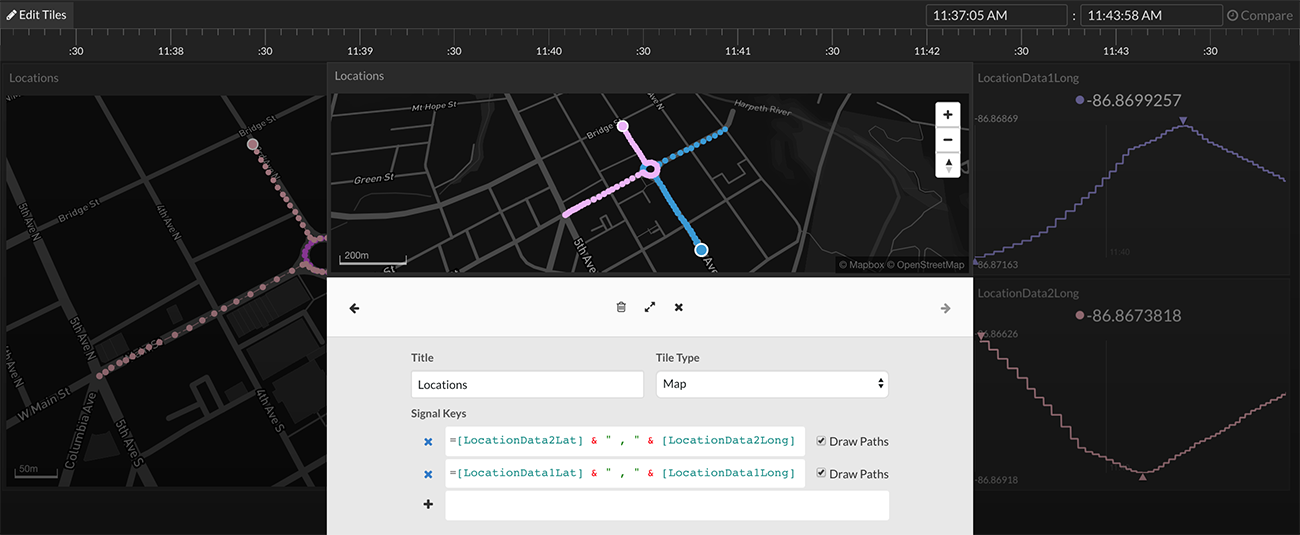
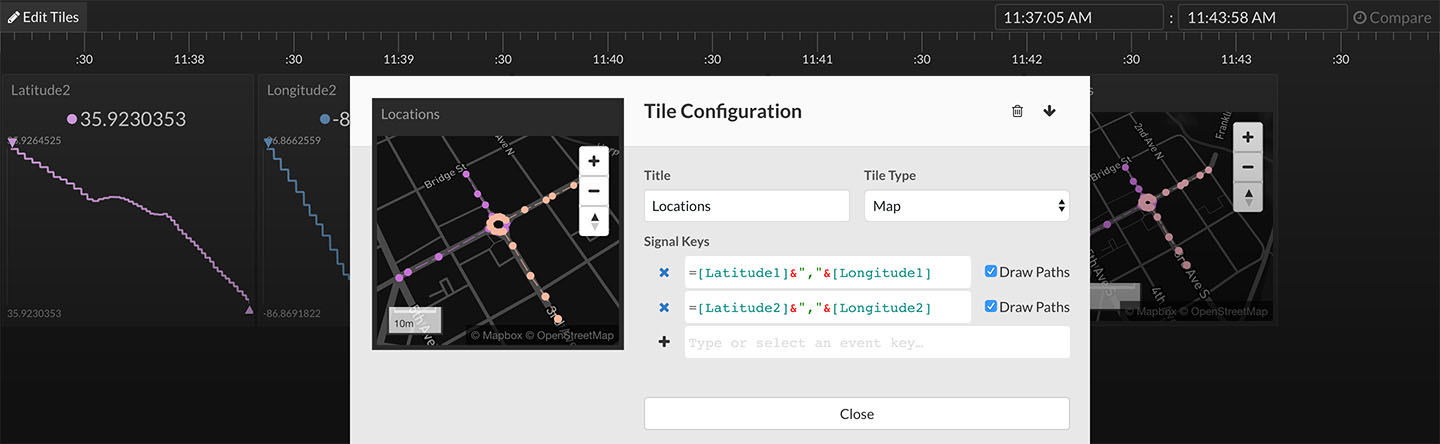
Combine the latitude and longitude data streams into a single stream using the concatenate operator, &. Use the following expression:
=[Latitude1] & " , " & [Longitude1]
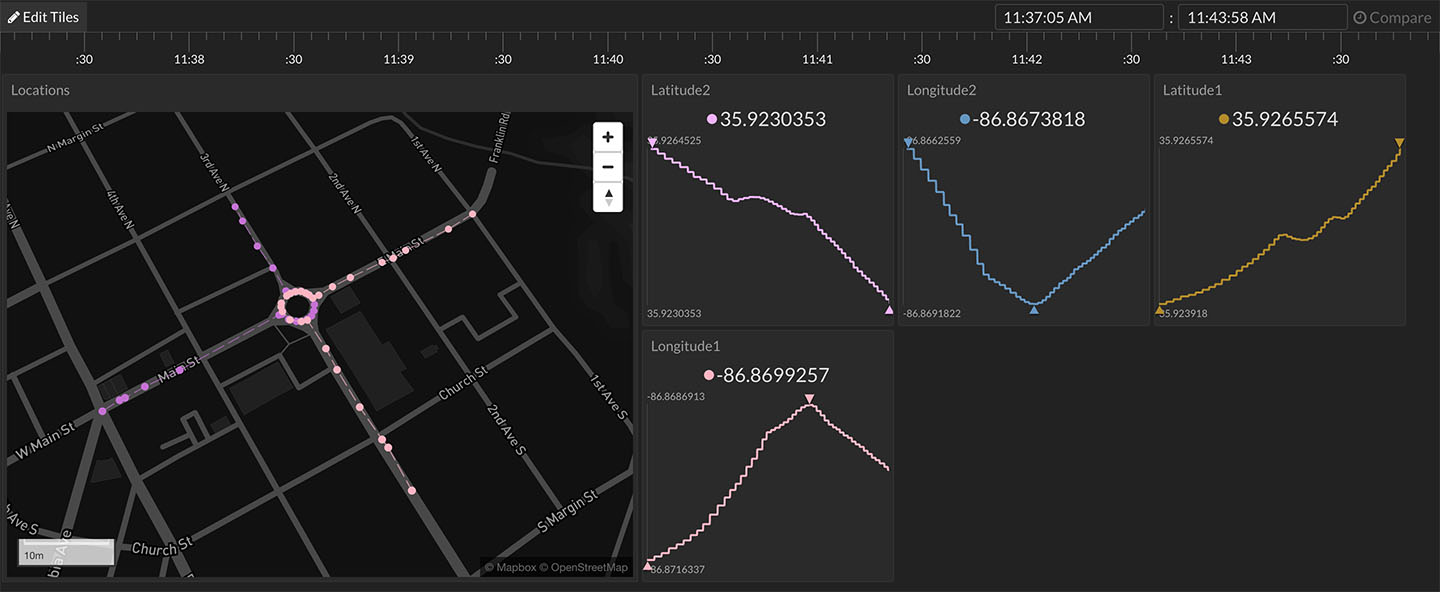
Notice a comma was placed between the latitude and longitude. Either a comma or a space is required to separate the two values. In the example above, there are two latitude/longitude pairs that are being displayed on the same map tile.