Searching & Sorting the Bucket Shelf
Search
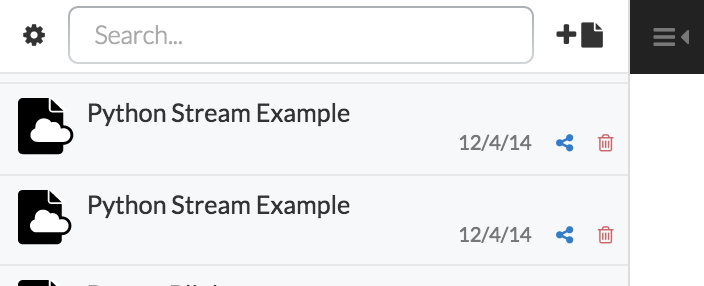
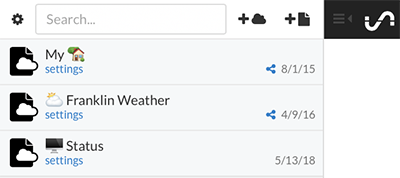
A search box is located at the top of the Bucket Shelf. Text entered will filter buckets by name.
Sort
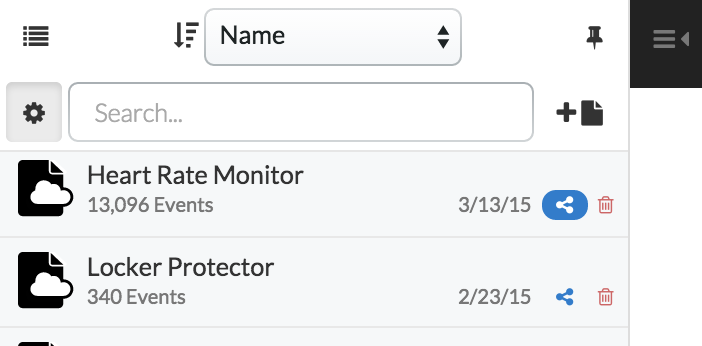
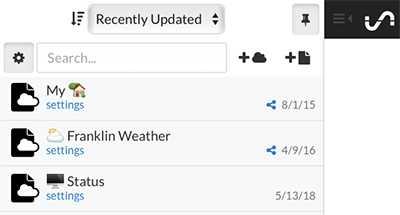
The shelf can be sorted by Recently Updated, Recently Added, and alphabetically by Name by clicking on the gear icon to the left of the Search bar.
Icons
Clicking the  icon will keep the shelf open, overriding the auto-hide that happens when you select a visualization app.