Introduction to Data Buckets
Data buckets are a collection of signals or data streams organized to be viewed together.
When streaming data to your account through the real-time streaming (events) API, a data bucket will contain all unique data streams associated with that stream (i.e. they share a common bucket_key and access_key). Any new data stream sent to that data bucket will automatically appear in the data views such as Waves and Tiles.
Getting Started
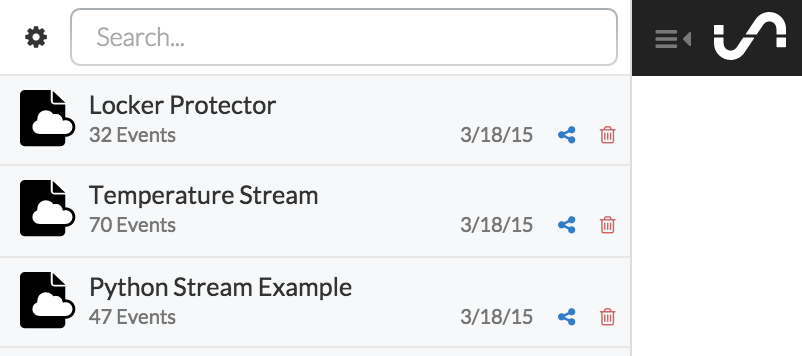
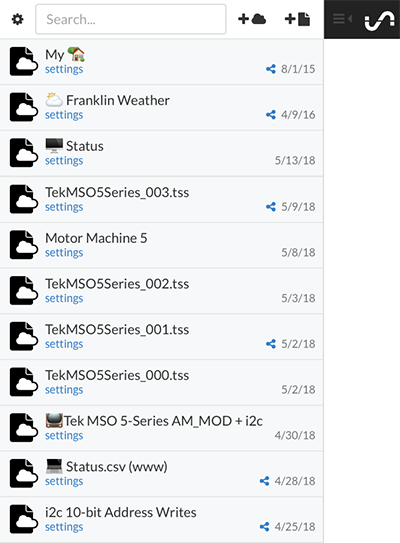
All unique streaming bucket_keys will automatically appear in your bucket shelf, located on the left when you log into your account.
A data bucket must be selected from the bucket shelf before it can be visualized in Waves or Tiles.
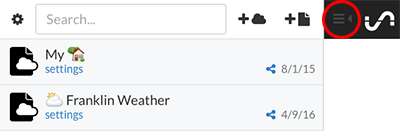
To hide the Bucket Shelf, click the gray icon directly to the right of the Shelf in the top toolbar. Clicking this icon again will reveal the Bucket Shelf.