Comparing Two Time Periods
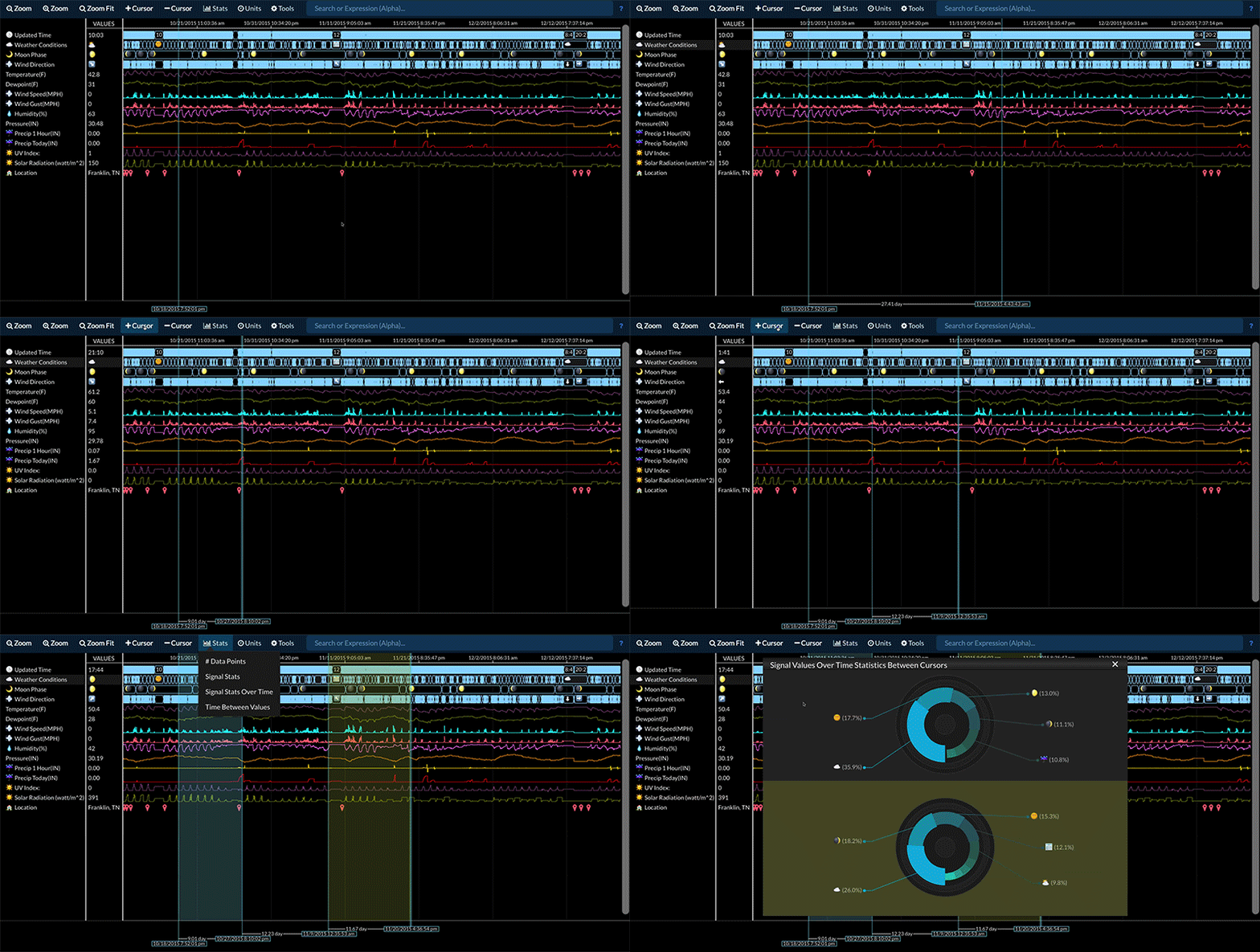
Statistics for a data stream between two time periods can be compared by:
- Selecting the desired data stream
- Adding cursors so that there are either three or four cursors present
- Selecting Stats -> Signal Stats or Stats -> Signal Stats Over Time
Note:
- Using three cursors will generate comparison statistics for adjacent time periods.
-
Using four cursors will generate comparison statistics between cursor pairs. -
The highlighted regions shown when the Stats menu is present indicates the regions that will have statistics generated. -
The generated chart on top corresponds to the time period on the left. -
The generated chart on the bottom corresponds to the time period on the right.