Expanded Individual Tile View
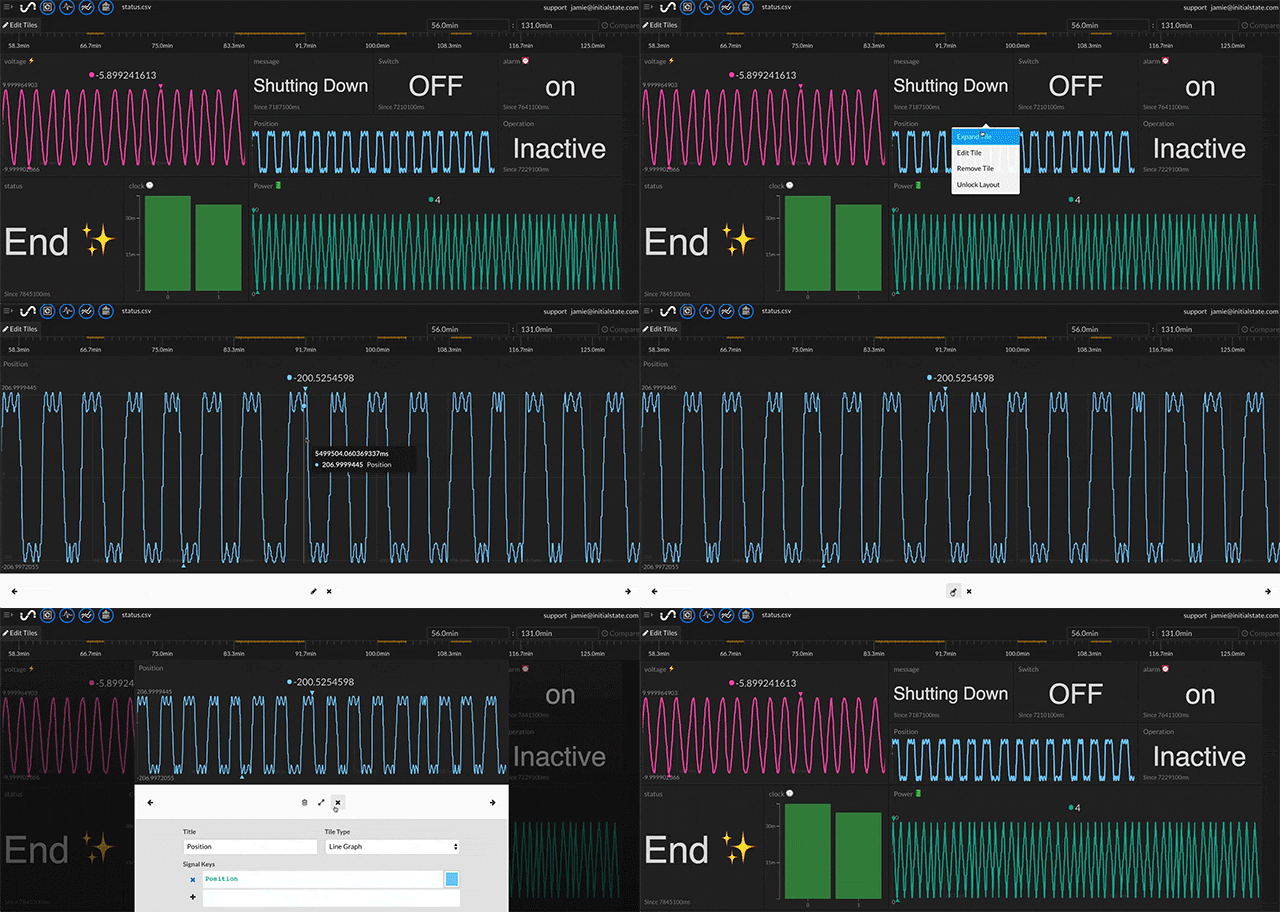
An individual tile can be expanded to nearly full screen by right-clicking on a tile and selecting "Expand Tile" from the drop-down menu.
Note: In mobile mode, clicking on a tile will automatically expand its view.
You can alternate between expanded view and the tile edit configuration using the pencil and expand icons at the bottom of the tile while in either mode.
Shortcut Keys
| Esc | Exit tile expand view mode |