Duplicate a Layout to Another Data Bucket
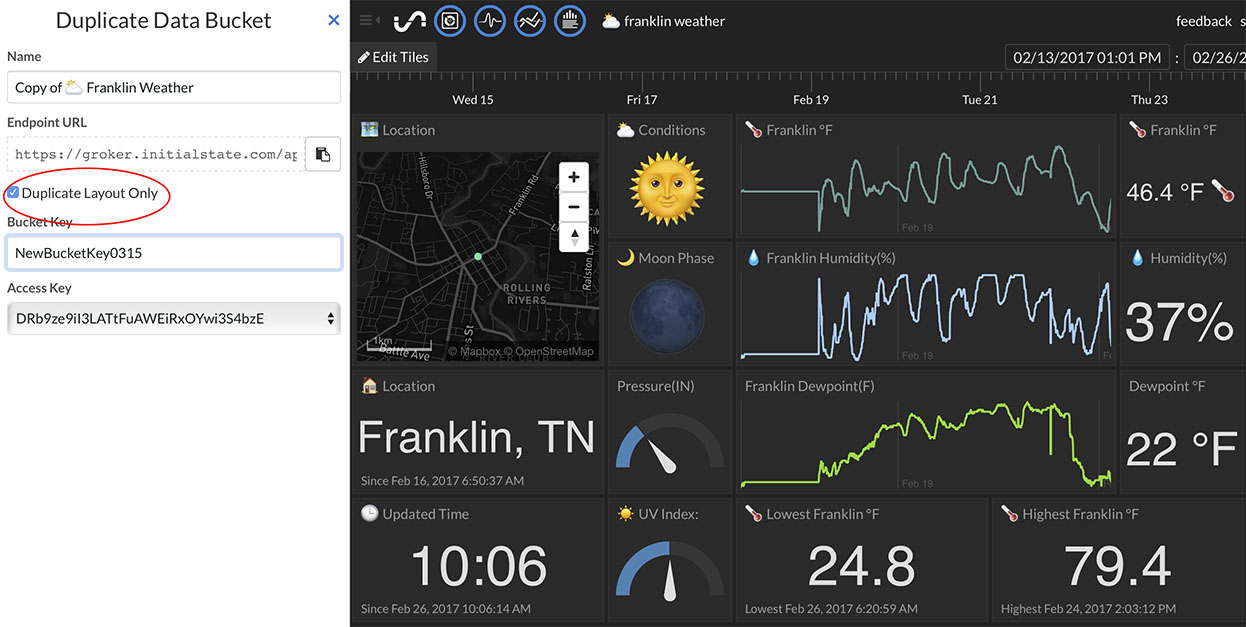
You can duplicate a Tiles dashboard layout (tile sizes, names, view types, real-time expressions, etc.) to another data bucket by:
- Clicking the "settings" link underneath the bucket name on the bucket shelf
- Clicking on the "Duplicate" button
- Selecting the "Duplicate Layout Only" checkbox
- Typing in the desired bucket key in the "Bucket Key" field
- Typing in the desired bucket view name in the "Name" field at the top
- Clicking "Create" button at the bottom
This will create a new data bucket view in your bucket shelf and associate the layout with the specified bucket key. If the target data bucket has different signal keys/names than the source layout view, simply modify the tile configuration for each tile with the correct signal key. This option allows you to build a single dashboard layout and quickly apply that layout across as many datasets as desired.