Data View Type - Pie Chart
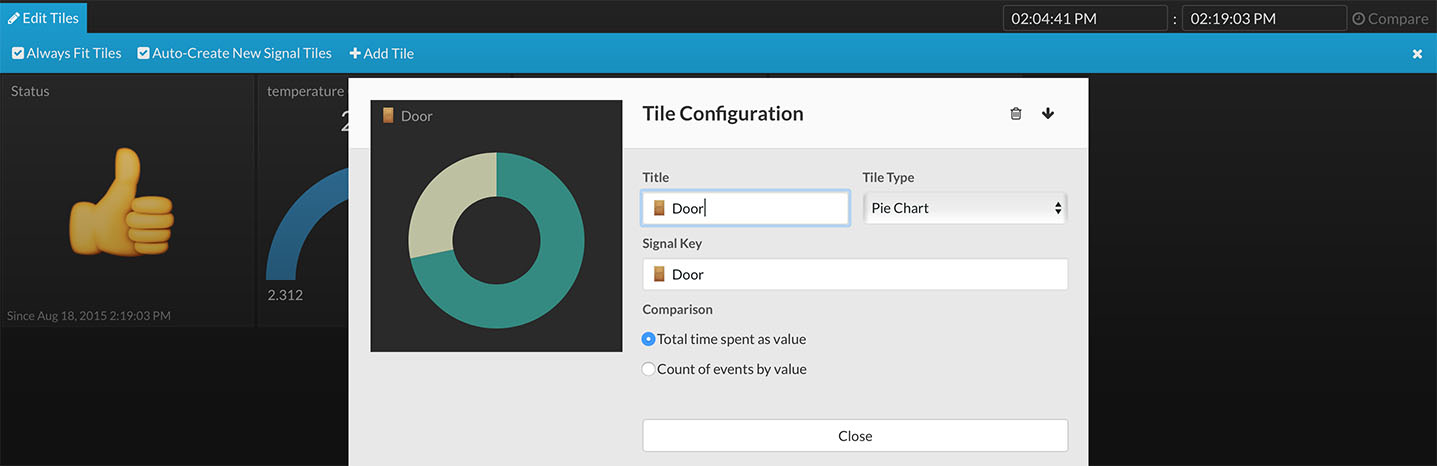
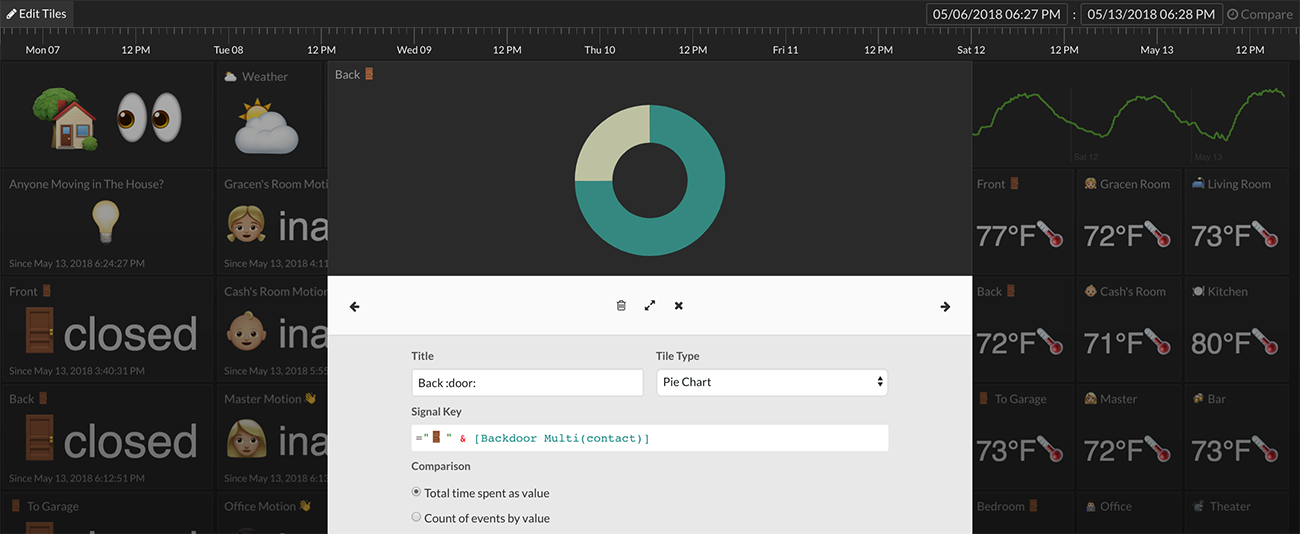
Tile Configuration

The pie chart tile view shows either the duration in time or the count of a specific value of a data stream. A slice for each unique value in the data stream will be displayed in the pie chart view. Pie chart view options can be set in the Tile Configuration (right-click on tile -> Configure Tile).
Total Time Spent as Value
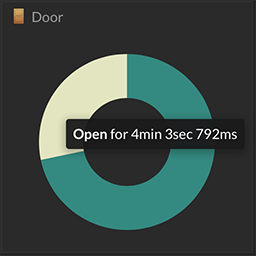
Selecting the total time spent as value option will use the duration of each unique value to draw each slice. The longer in time a specific value is present in a data stream, the bigger its slice will be drawn.
Count of Events by Value
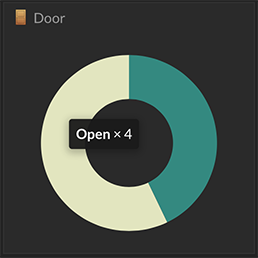
Selecting the count of events by value option will use the number of occurrences of each unique value to draw each slice. The more frequent a specific value occurs in a data stream, the bigger its slice will be drawn. Time is ignored in the count of events by value option.
Size/Dimension Options
There are no changes to the way the pie chart is drawn based on its size at this time.
Hover
Mouse hover over individual pie slices will display either its total time or total count.