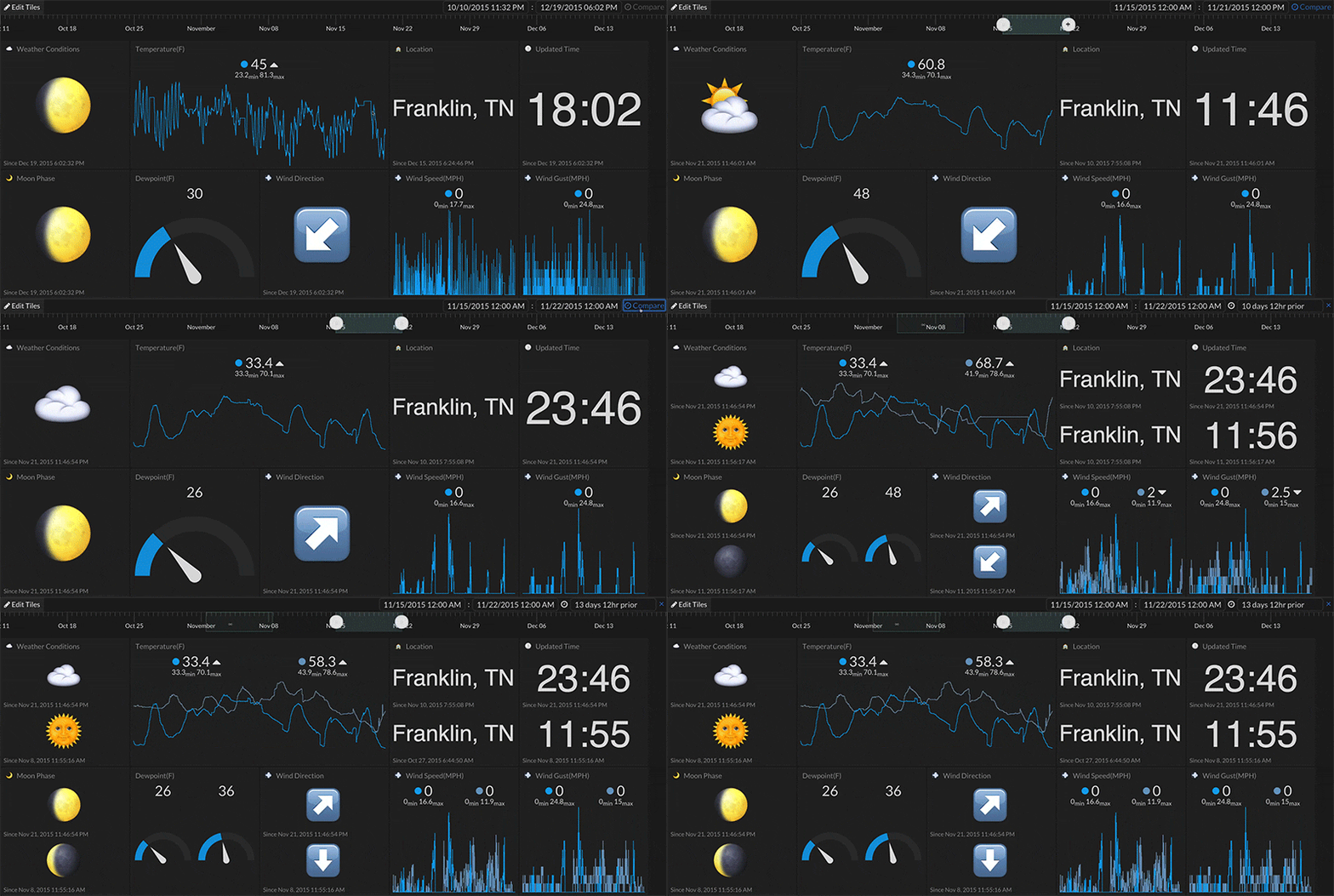
Comparing Two Time Periods
You can compare data from two different periods of time using the timeline at the top of Tiles.
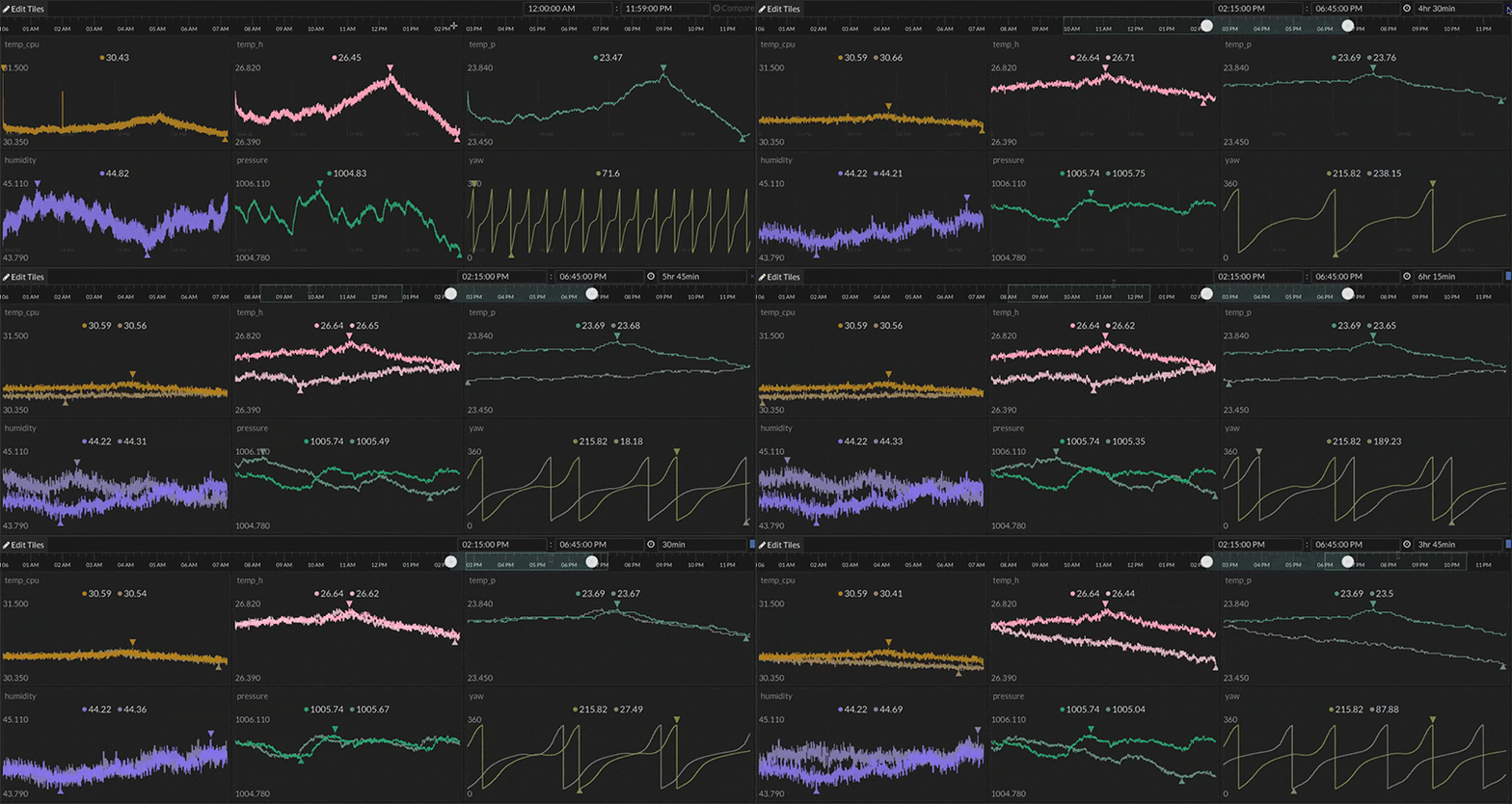
| Step 1: | Select a period of time by clicking and dragging on the timeline. |
|
Step 2: |
Click the compare link at the top right of Tiles. |
|
Step 3: |
Adjust the date range or comparison range by either dragging the highlighted range or by manually entering the desired date/time range in the text input field at the top. |
Shortcut Keys
| Arrow Up / Arrow Down | Click on the input data/time field then click the arrow up / arrow down key to increment / decrement its value. |
|
COMMAND (Mac) / CTRL (Win) |
When dragging the highlighted range on the timeline, the selection will snap to minor gridlines when pressed otherwise the selection will snap to major gridlines on the timeline. |
|
ALT |
With a timeline range selected, click on the range holding ALT to initiate the compare mode highlight. |